

The Ultimate Guide to Smart TVs
In the modern entertainment landscape, the television has evolved from a simple broadcast receiver into the central hub of home entertainment. At the heart of this revolution is the Smart TV. Whether you are looking to upgrade your current setup or purchase your very first connected television, understanding the nuances of this technology is essential to making an informed decision.
What is a Smart TV?
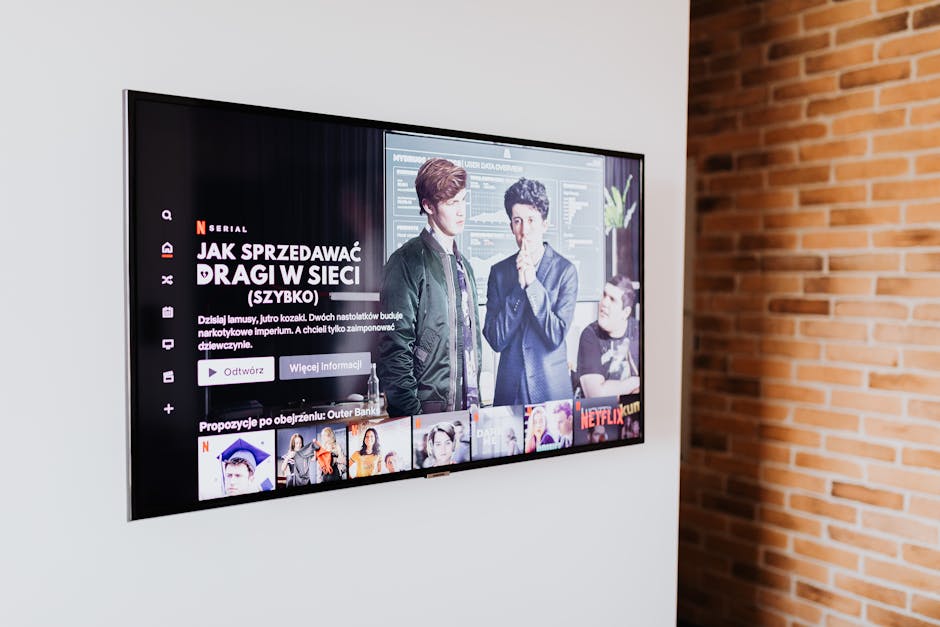
A Smart TV is a traditional television set integrated with internet capabilities and interactive Web 2.0 features. Unlike older televisions that rely solely on cable boxes or over-the-air antennas, a modern Smart TV connects directly to your home Wi-Fi or Ethernet network. This connection allows you to run apps, stream videos, browse the web, and even control other smart home devices directly from your living room screen.
Essentially, it combines the hardware of a high-quality display with the software operating system of a computer or smartphone, creating an all-in-one entertainment powerhouse.
Key Features to Look For

When shopping for a new Smart TV, it is easy to get overwhelmed by the technical jargon. Here are the most critical features you should evaluate before making a purchase:
- Display Technology: Choose between LED, QLED, and OLED. OLED offers the best contrast and deep blacks, while QLED provides superior brightness for well-lit rooms.
- Resolution: Do not settle for less than 4K resolution. It offers four times the pixels of standard Full HD, delivering crystal-clear images.
- High Dynamic Range (HDR): Look for formats like HDR10+ and Dolby Vision, which significantly improve color accuracy and contrast.
- Voice Control & Smart Assistants: Many modern sets come with built-in voice assistants like Google Assistant, Amazon Alexa, or Apple AirPlay support for hands-free navigation.
- Refresh Rate: For gamers and sports enthusiasts, a native 120Hz refresh rate ensures smooth, blur-free motion.
Popular Smart TV Operating Systems

Just like smartphones run on iOS or Android, every Smart TV relies on a specific operating system (OS). The OS dictates the user interface, app availability, and overall speed of the television. The most popular platforms include:
- Roku TV: Known for its incredibly simple, grid-based user interface and vast library of free streaming channels.
- Google TV / Android TV: Offers highly personalized recommendations, seamless integration with Google Assistant, and access to the massive Google Play Store.
- Tizen OS (Samsung): A sleek, fast, and intuitive platform with a convenient launcher bar at the bottom of the screen.
- webOS (LG): Features a highly responsive navigation system powered by the motion-controlled Magic Remote.
Pros and Cons of Owning a Smart TV

While these devices offer unparalleled convenience, they also come with a few trade-offs. Below is a quick comparison to help you weigh your options:
| Pros of a Smart TV | Cons of a Smart TV |
|---|---|
| All-in-one convenience without external streaming sticks. | Software updates can slow down older models over time. |
| Direct access to popular apps like Netflix, YouTube, and Disney+. | Potential security and privacy concerns regarding data collection. |
| Integration with smart home devices (lights, cameras, thermostats). | A stable, high-speed internet connection is required for 4K streaming. |
| Simplified setup with fewer cables cluttering your media console. | Built-in audio quality is often weak, requiring an external soundbar. |
How to Choose the Right Smart TV for You
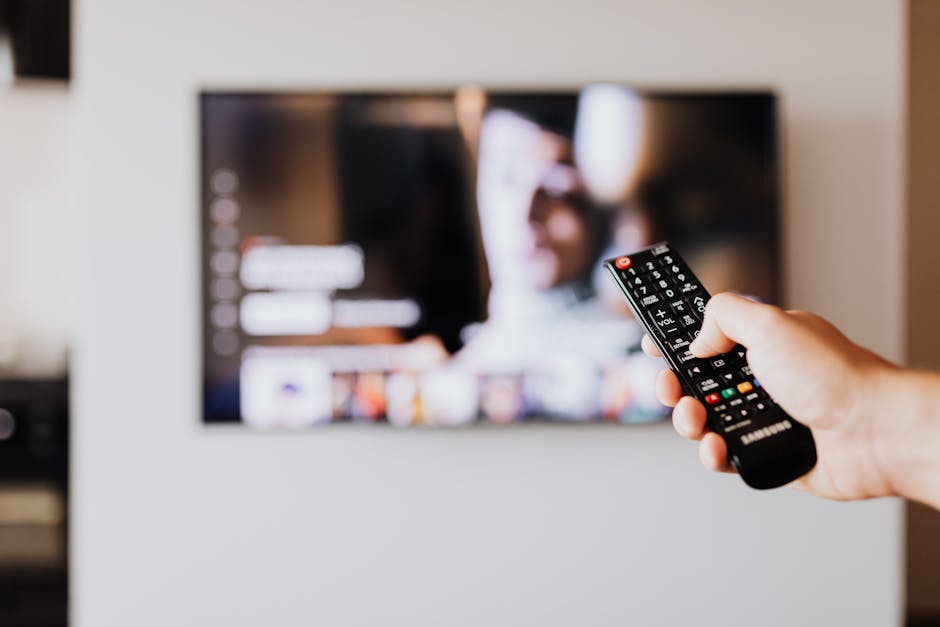
To find the perfect match for your home, start by measuring your viewing space. The distance between your couch and the screen determines the ideal display size. For most living rooms, a 55-inch or 65-inch screen strikes the perfect balance between cinematic immersion and room aesthetics.
Next, consider your primary use case. If you are an avid gamer, prioritize HDMI 2.1 ports, low input lag, and Variable Refresh Rate (VRR) support. If you are primarily a movie lover, invest in a model with superior HDR performance and Dolby Atmos audio support to replicate the theater experience at home.