

iPhone 12 Mini Battery Draining Fast After Factory Restore? Here Is The Fix
If your iPhone 12 Mini battery is plummeting even after a factory reset, your device is likely caught in a background indexing loop or a software synchronization glitch. This guide will walk you through the precise steps to recalibrate your battery health and stop the excessive drain for good.
1. Stop Background Indexing and Cloud Syncing
After a factory restore, iOS spends hours (sometimes days) re-indexing your files, re-downloading photos, and syncing iCloud data. This intensive CPU usage puts a massive strain on the small 2,227mAh battery of the 12 Mini.
- Disable Background App Refresh: Go to Settings > General > Background App Refresh and toggle it to "Off." This prevents apps from waking up the processor in the background.
- Pause iCloud Photos: If your gallery is currently syncing, it will drain your battery rapidly. Open the Photos app and check if it says "Syncing with iCloud." If so, plug your phone into a charger and leave it alone for 6 hours; the drain will stop once the sync completes.

2. Recalibrate the Battery Percentage
Sometimes the "Battery Health" logic gets skewed during a factory reset, causing the software to report incorrect power levels. By forcing a recalibration, you align the operating system with the actual chemical state of your battery.
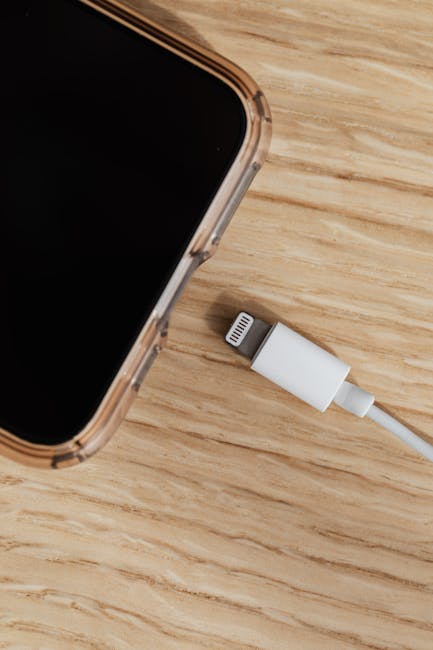
- The 0-100 Method: Use your phone until it shuts down automatically at 0%. Then, plug it into a wall charger and let it charge to 100% without unplugging it. This helps the BMS (Battery Management System) recognize the true capacity limits.
3. Review Location Services and Analytics
A factory reset often toggles "System Services" and "Share iPhone Analytics" back to the default "On" position. These services constantly poll GPS and send data packets to Apple, which is a major battery killer on older, smaller batteries.
- Adjust Location Services: Navigate to Settings > Privacy & Security > Location Services > System Services. Turn off "Significant Locations" and "iPhone Analytics." These are unnecessary background tasks that constantly ping the cellular radio, sapping your battery life.

Frequently Asked Questions
Why does the iPhone 12 Mini have such poor battery life?
The 12 Mini has a physically smaller battery compared to the standard 12 or Pro models. Because the battery is smaller, any background software process consumes a larger percentage of your total capacity, making battery management critical.
Is my battery physically damaged?
If your battery health percentage is below 80% (check in Settings > Battery > Battery Health), no software fix will resolve the drain. At that point, the lithium-ion cells have chemically aged and require a hardware replacement.
How long should I wait for post-restore battery drain to settle?
Ideally, wait 48 hours. The first two days after a factory reset are the most intensive due to file system indexing and background cloud re-population.
Disclaimer: Proceed with caution when modifying system settings. Always ensure your device is backed up before attempting major software changes. If the battery drain persists or the device becomes physically hot, contact Apple Support as it may indicate a hardware fault.